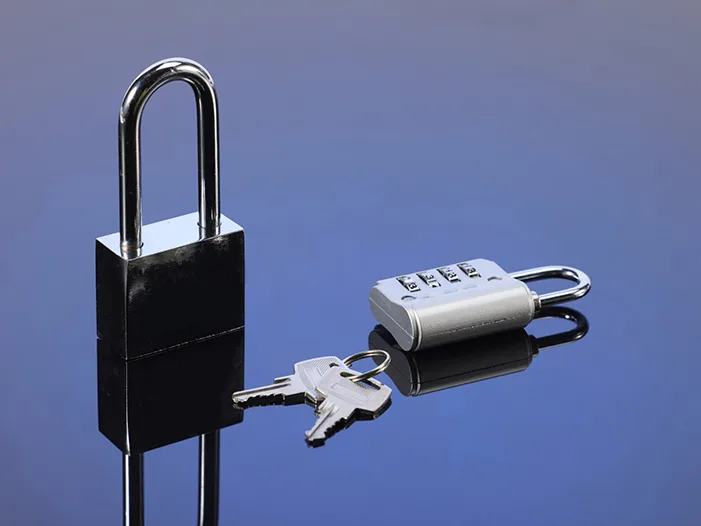
How to Reset Combination Lock Code
How to Reset Combination Lock Code
Resetting a combination lock allows you to set your own memorable passcode for TSA locks and regular resettable luggage locks. You must know the current working code before resetting. You cannot reset the lock when it is locked shut.
Step 1: Open the lock with your existing combination
Turn the number dials to your current valid passcode. Pull up the shackle and fully open the lock. The reset function will not activate if the lock remains closed.
Step 2: Locate the reset mechanism
Find the reset component on your lock. It can be a sliding switch, a push in button, or a small recessed pinhole. This part is usually on the lock side or underneath the shackle. Different lock models have different reset positions.
Step 3: Activate reset mode and set your new code
Hold down or slide the reset part and keep it in activated status. While holding it, rotate the dials and set your desired new combination numbers. Do not release the reset trigger before you finish setting numbers.
Step 4: Save and test your new password
Release the reset switch or pin. Your new combination is saved now. Lock the shackle, scramble the dials, then input your new code several times to verify opening and closing works properly. Always test before travel.